 ..
..Brightspace was the LMS that I reviewed in this module. There are several options and levels for grade reporting:
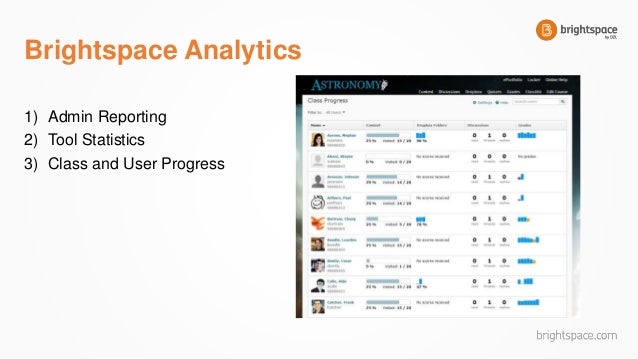
Student Level – Student data can result in a report view that indicates the number of times a student accesses a course, attempts a quiz, visited content, or used a particular tool. The reports can aggregate across students in a course, and this data can be informative about the effectiveness of the online course.
Teacher Level – A report may look at course grades per course offering or across semesters/sessions to indicate positive or negative results per teacher, as well as overall material within the course’s effectiveness. A teacher may look at their own data or their students’ data for differentiation or evaluation of their teaching methods.
Course Level – Course level analytics are helpful to evaluate and re-design course materials and assessments.
(GV Tool)
In regard to student performance, the teacher level is most valuable for the online instructor. The statistics on quizzes and tests, for example, will provide me with strengths and weaknesses of my students so I am able to provide the appropriate feedback, remediation, or enrichment.

No comments:
Post a Comment